So you want to put together a studio? You may have a few artists lined up to work with, an artistic vision for their music, and more. But before you can make the next hit, you’ll need to put together a recording rig. The first step is shopping around for the best computers for music production.
There are dozens of computer models out there that work fine for recording, but before buying there are a number of things to consider. For example, you’ll want a computer that has enough power to handle the recording software, plugins, and actual recording, that you’re going to put it through.
Spec-wise, we recommend buying a computer with at least a 10th-gen Intel Core i5 processor and 4GB of RAM. It’s definitely worth buying a computer with enough solid-state storage to run the operating system and store your sessions. Any inactive sessions that you’re done working on can always be moved to the cloud or to an external hard drive.
You’ll also want to think about operating system. We’re not going to get into the Mac vs PC debate here, but you likely know which operating system you prefer, and you should buy a device with that operating system.
No matter what you’re looking for from a computer for recording, there should be something in this list for you. Here are the best computers for music production.
Best computer for recording overall: Apple iMac with M4
Best computer for recording overall
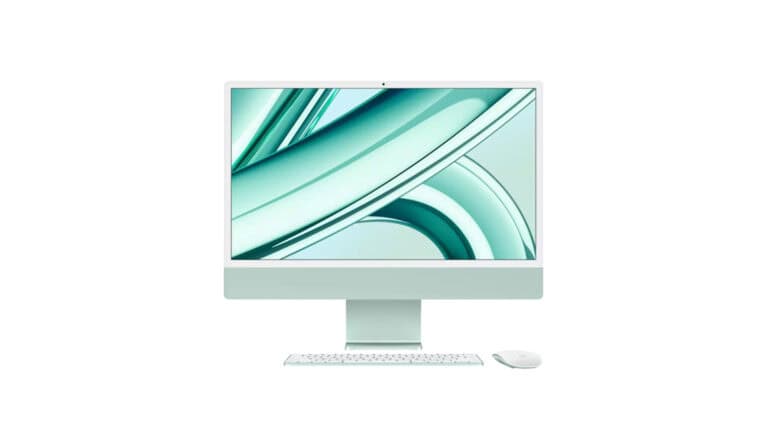
Apple iMac with M4
An ergonomic all-in-one music production computer.
Pros
- Fast M4 chip with 8 cores
- Retina display
- Advanced camera and audio for remote collaboration
Cons
- Can't add additional RAM
- Only two onboard peripheral ports
Buy from
We may earn a commission from these links.

Okay, so not everyone can afford one of these, but if you have the cash and simply want the best of the best, then the iMac M4 is the way to go.
The computer starts with an 8-core Apple M4 processor, along with up to 32GB of RAM depending on which model you buy.
One of the best features is the 4.5k Retina display for the cleanest visuals. You can opt for up to 2TB of SSD space, again, depending on what model you choose.
For a Mac the price is very reasonable, and starts at $1,149. The lack of onboard ports is an inconvenience, but with a good docking station this makes a fantastic studio centerpiece.
Best affordable Mac computer for recording: Apple Mac Mini M4
Best affordable Mac computer for recording
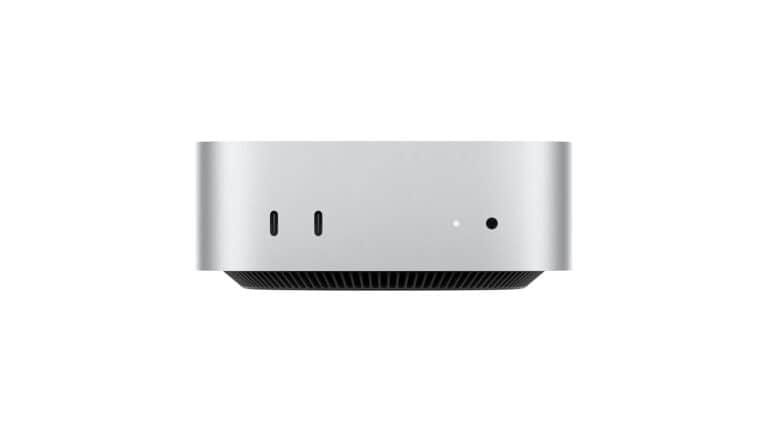
Apple Mac Mini M4
A great introduction to the Apple ecosystem for music production.
Pros
- Reliable hardware
- Ergonomic footprint
- Great price
Cons
- No native USB-A ports
Buy from
We may earn a commission from these links.
Apple has a history of building ultra high-quality computers that work great for creative work. The Mac Mini sometimes gets forgotten, but it’s more powerful than it looks, centered around Apple’s M4 chip.
It’s also important to note that the M4 Mac Mini’s RAM maxes out at 32GB, but this should be plenty for even the heaviest sessions.
As for ports, it gets a little inconvenient. There are three Thunderbolt 4, two USB-C, an HDMI, and headphone output. So you’ll likely need a docking station or hub of some kind.
But this machine provides a great deal at a relatively low price.
Best Windows recording computer: Dell XPS 8960 Desktop
Best Windows recording computer
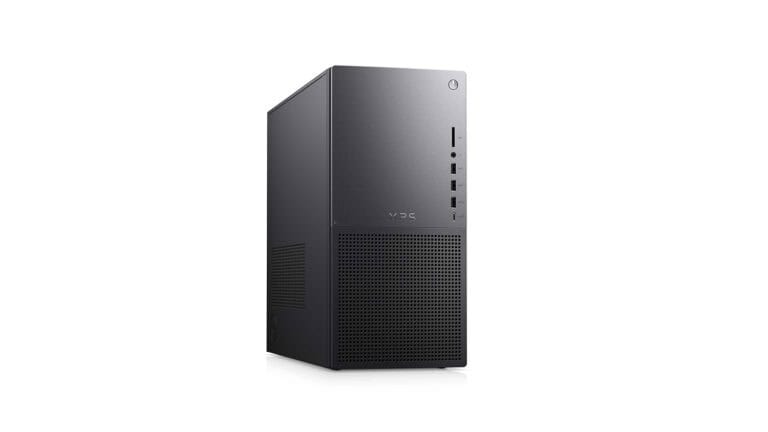
Dell XPS 8960
A powerful Windows desktop that combines power with a reasonable price.
Pros
- Fast i7 processor
- 32GB RAM
- Intel UHD 770 graphics card
- 3 USB-A ports and USB-C
- Multiple hardware configuration available based on your needs
Cons
- Pricey depending on what kind of music production you do
- Would be nice to have more USB-C ports
Buy from
We may earn a commission from these links.
Perhaps you’re more of a Windows fan, in which case we think it’s worth considering the Dell XPS 8960. Dell has built a reputation for itself over the years, and for good reason.
The Dell XPS 8960 is constantly refreshed with new specs, meaning you can get high-end processors, along with plenty of RAM and storage.
At the time of this writing, the base model offers a 14th generation Intel Core i7 processor with 32GB of RAM and 1TB of SSD storage. But it can be upgraded to boast an Intel Core i9 chip with 64GB of RAM and 2TB of storage over two drives.
It even comes with a high-end graphics card, though you probably won’t need all that graphics power for recording.
Best budget recording Windows computer: Acer Aspire TC-866 Desktop
Best budget recording computer
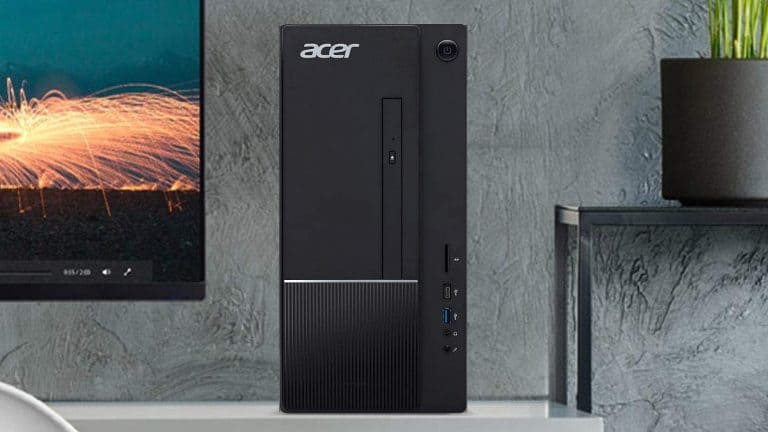
Acer Aspire TC-866 Desktop
One of the best budget recording desktop computers if you can find the space for it.
Pros
- Decent processing power
- Solid amount of ports for connecting peripherals
Cons
- Large casing
- Processor could be faster
Buy from
We may earn a commission from these links.
Not everyone has over a thousand dollars to spend on a computer, but thankfully there are some decent computers for those people too. Like, for example, the Acer Aspire TC Desktop.
The computer may not be as powerful as other options on this list, but it still has a ton to offer — including an 9th-gen Intel Core i5 processor, 8GB of RAM, and a 512GB solid-state drive.
Port-wise, the computer offers a single USB-C, three USB 3.0, four USB 2.0, and two HDMIs and a VGA for connecting monitoring.
Best recording laptop: Apple MacBook Pro 16.2″ with M4 Pro
Best recording laptop
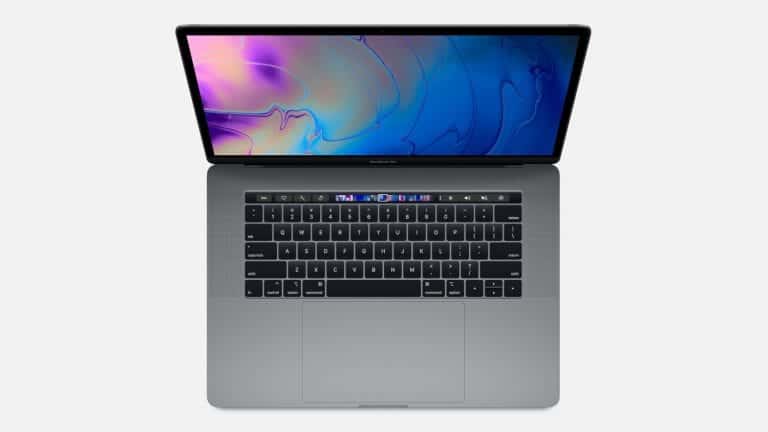
Apple MacBook Pro 16.2″ with M4 Pro
One of the best and most reliable laptops for music production if you can swing the price.
Pros
- M4 processor
- Good amount of hard drive space
- 24GB of RAM
- Liquid Retina XDR display
Cons
- Expensive, but reliable
Buy from
We may earn a commission from these links.
Want a laptop that can handle the majority of basic recording and have some cash to burn? The 16.2″ Apple MacBook Pro with M4 Pro processor is the computer to go for. And not just because it looks great or it’s fashionable.
It’s available in two sizes — a 14.2″ and 16.2″, though the 16.2″ is a little more powerful than the smaller model. The base model comes with Apple’s newer M4 processor, 1TB SSD, a borderline insane 24GB of RAM, and Liquid Retina display. Those sessions have never looked better!
You can upgrade it to a whopping 64GB of RAM and 8TB solid-state drive. When it comes to ports, the computer has three Thunderbolt 5 ports, SDXC card slot, HDMI, and a headphone jack. So unless you get a Thunderbolt 5-compatible interface, you’ll probably need to get an adapter or two.
It might be one of the most expensive laptops available, and there are some concerns with the port standards, but you can’t deny the quality.
Best Windows recording laptop: Dell XPS 13 9345
Best Windows recording laptop
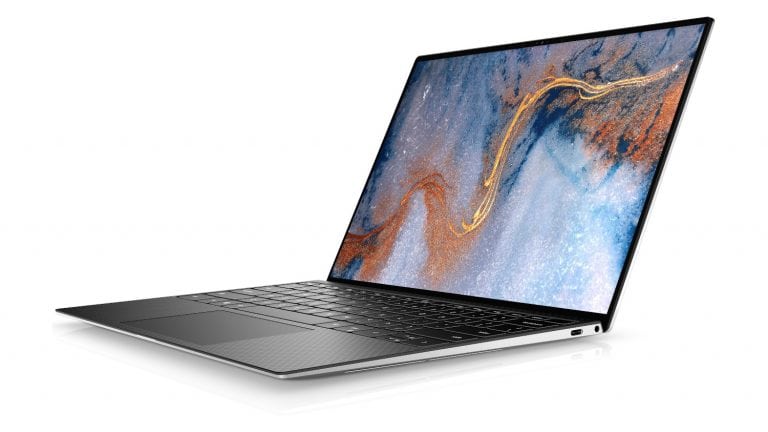
Dell XPS 13 9345
A powerful Windows recording laptop, even if the screen is on the small side.
Pros
- Fast Qualcomm 8-core processor
- 16GB RAM
- Lightweight for easy transport
- Different hard drive size options
Cons
- Small screen
Buy from
We may earn a commission from these links.
Dell has been on a roll in the laptop world. The Dell XPS 13 has long been an excellent way to get performance and portability, and the latest model is no exception to that rule.
The device comes with a beautiful edge-to-edge display, along with a Qualcomm Snapdragon X processor, 16GB of RAM, and 256GB of storage in the base model.
Of course, you can upgrade the device. But the base model includes a 512GB SSD, and a whopping 16GB of RAM.
The port selection isn’t terrible but it is a little limited. You’ll get two Thunderbolt 4 ports, a headphone jack, and a MicroSD card slot.
Best budget recording laptop: Acer Swift 3
Best budget recording laptop
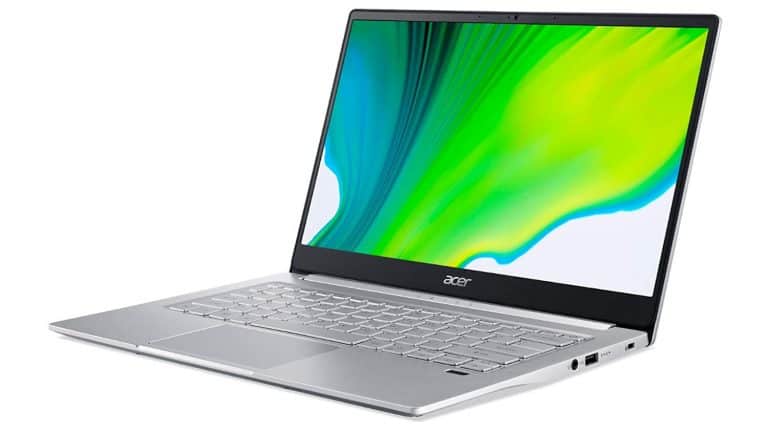
Acer Swift 3
A solid budget music production laptop with multiple port standards, full HD display, and a powerful processor.
Pros
- Intel i7 processor
- Solid security features
- Backlit keyboard is great for dark environments
- Good mix of port standards
Cons
- Only 8GB RAM
- Small screen
Buy from
We may earn a commission from these links.
If you want a great recording laptop on a budget, then we recommend the Acer Swift 3.
This laptop may not be the flashiest out there, but it has enough oomph for most bedroom recording situations, and doesn’t have a super-high price tag.
Under the hood, the Acer Swift 3 offers an Intel Core i7 four-core processor, coupled with 8GB of RAM and a 256GB SSD. The 14″ screen is full HD, but for large sessions you’ll want a second monitor.
A combination of USB-C, USB-A, and Thunderbolt 4 ports provide different integration options – especially if you want to run a Thunderbolt interface like one from Universal Audio.
FAQ
What specs should I look for in a computer for music production?
The most important specs to consider are the CPU, RAM, and storage. A fast, multi-core processor helps you run multiple tracks, effects, and virtual instruments without slowdowns.
For memory, 16GB of RAM is generally the minimum for serious production, but 32GB or more is ideal. Especially if you’re working with orchestral libraries or large sessions.
Storage should be a solid-state drive (SSD) because they drastically reduce load times and improve overall performance. Also, make sure the computer has the ports you need like USB, Thunderbolt, or whatever your recording setup requires.
Is a Mac or PC better for music production?
Both can be excellent computers for music production. It really comes down to personal preference and software compatibility. Ultimately, the best choice is the one that fits your workflow, preferred DAW, and budget.
Can I use a laptop for professional music production?
Yes, many modern laptops are powerful enough to handle professional-level music production. The key is to make sure the laptop has a strong processor, a good amount of RAM, and good thermal management to prevent overheating during long sessions.
For mobile producers, gigging musicians, or those working in tight spaces, a well-equipped laptop can be a perfect solution.