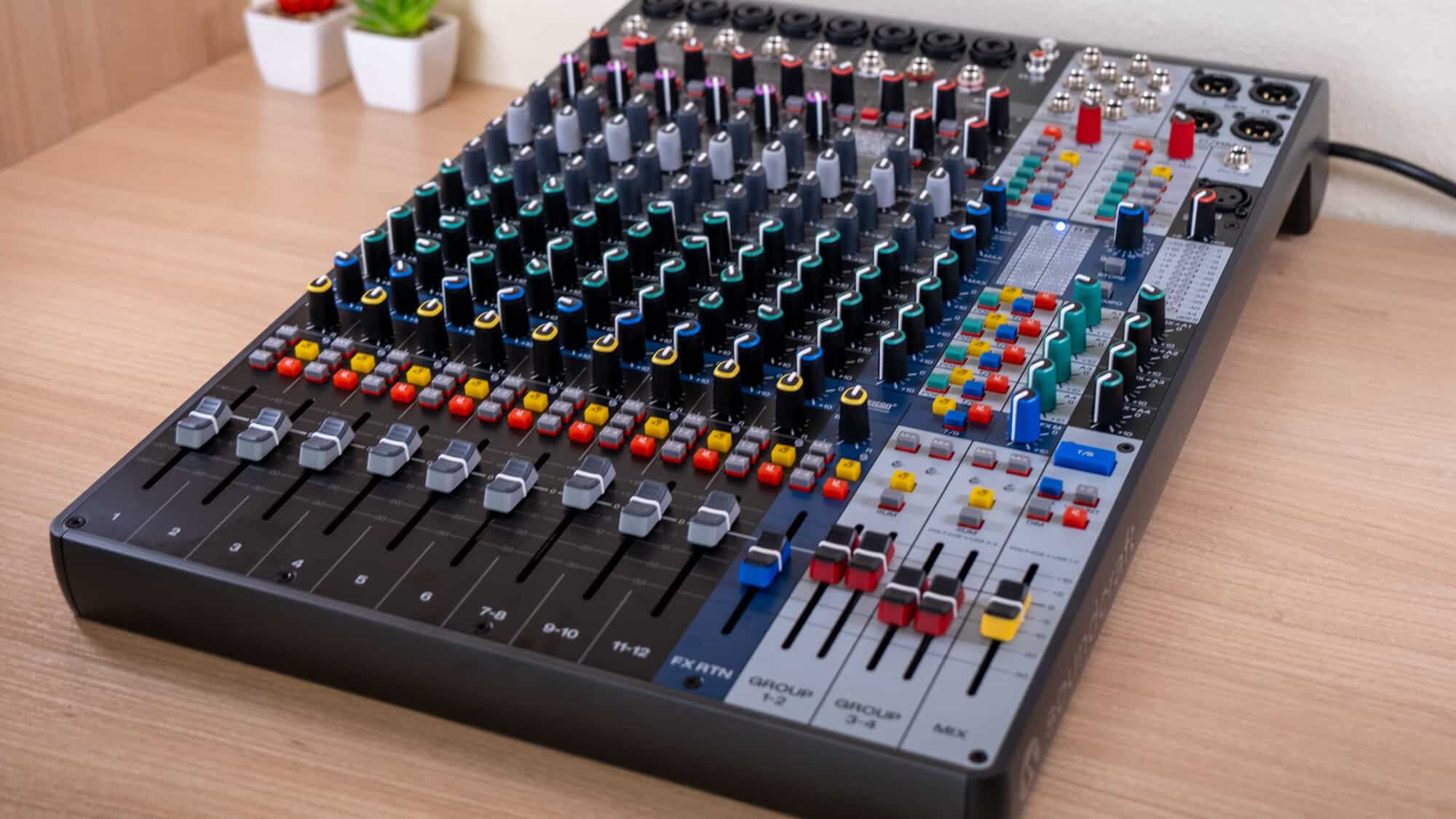
Soundcraft has long made some of the better live mixing equipment. The Soundcraft Signature series in particular has been a fixture in the small-format analog mixer world, and the new Signature Plus line is its long-awaited next generation. The Signature Plus 12 is designed to be an all-you-need board that bundles in Ghost preamps, Sapphyre EQ, and Lexicon effects — all into one sturdy, feature-rich console.
The new consoles are designed to do more than serve as live sound consoles though. Just like many audio interfaces are starting to bundle in more live sound features, live sound consoles are bundling in audio interface features. Many recent models support full multitrack recording. The Soundcraft Signature Plus 12 has some of those features — but is limited to being a 4×4 USB interface, rather than supporting the same level of multitrack recording that some of its competitors offer.
The new lineup is actually available in a few variants — including a 12-, 16-, 22-, and 32-channel configurations. I’ve been using the 12-channel model, which comes at $799, to find out just how versatile it really is.
Design and form factor
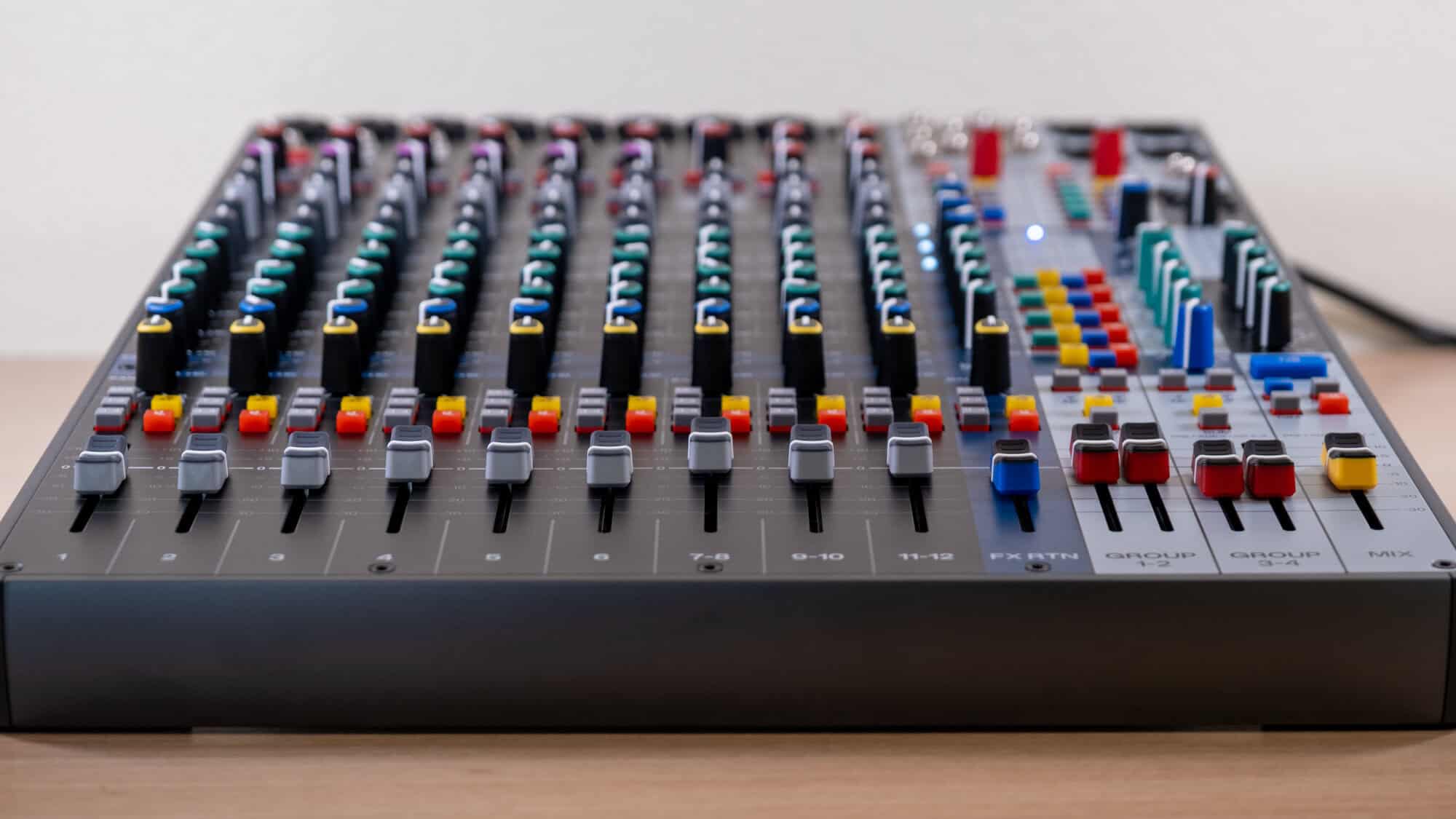
The Signature Plus 12 keeps the classic sloped-desk analog layout, and that’s a good thing. Pretty much everything about how the board is set up is where you would expect it to be, so if you have any experience with sound engineering, you should be able to find your way around the board just fine. Color-coded buttons help there too, and the new tactile “squircle” knobs (yes, that’s what Soundcraft calls them) are easy to grab and read by feel.
Build quality is great too. This is a rugged, tour-ready chassis rather than a lightweight desktop unit, closer in spirit to the original Signature 12 than to something like the Notepad-12FX, which trades faders and heft for portability. The 12-channel model ships with rack-mount ears in the box, which is a welcome inclusion for install and touring users who’d otherwise be buying them separately.
One small but helpful touch is a QR code mounted right on the surface, linking to training videos, manuals, and support resources. Sure, it’s a sticker-adjacent gimmick on paper. But if you’ve ever handed a mixer to a volunteer at a church or a bartender doubling as a sound tech, having the manual one phone scan away is useful.
Connectivity
The input channels use combo jacks with insert points, so you can patch in outboard gear per channel on the first six channels, which adds some extra versatility. You get four aux sends, up from three on the Signature 12, including a Mix to Aux function that makes building monitor mixes from the main mix considerably faster. There’s also a Pro Listen bus for auditioning channels without interrupting the main mix, and “Talkback To” routing that lets you send talkback exactly where it’s needed. These are features borrowed from much bigger consoles, and they change how the desk feels to operate.
As mentioned, there’s also the USB connectivity, which essentially turns the console into an audio interface. The routing is flexible there too — USB inputs can feed into groups directly, or override the mix entirely for break music between sets. That override function means you don’t have to worry about hooking up an external player to one of the aux inputs — which has gotten more complicated since phone brands stopped including headphone jacks.
But there is also a step backward when it comes to the USB features. The previous Signature 12 MTK offered a 14-in/12-out USB interface — full multi-track capture of every channel, which made it a legitimate one-box solution for project studios recording live bands. The Plus 12’s 4×4 interface can’t do that. Four channels is enough for a solo performer, but if you were hoping to track a full band straight into your DAW, the old MTK still beats the new desk handily.
Features
The monitoring section is where the Signature Plus 12 most clearly punches above its class. You get independent, user-configurable headphone and control room outputs, each with its own Mute, Dim, and Mono Sum controls. Single press select lets you flip your headphone and control room listening between sessions instantly, and each output can draw from the Auxes, the Listen bus, the main Mix, or direct USB returns independently.
In practice, that means the engineer can monitor one thing while a podcast guest or performer hears another, without any repatching. Mono Sum in particular is an underrated tool — checking a mix in mono is standard practice in studios, and having it on a hardware button rather than buried in a plugin is genuinely convenient. For a hybrid live-and-content-creation desk, this monitoring flexibility is arguably the strongest argument for the Plus over both its predecessors and most of its rivals.
Audio performance
The Soundcraft Signature Plus 12 sounds pretty good too. It offers Soundcraft’s Ghost mic preamps, which carry over from the original Signature series, and they remain clean, quiet, and generous with headroom. Soundcraft claims the sound quality in general rivals consoles priced three to five times higher, which is marketing math you should take with a grain of salt, but still, these preamps and signal path are better than most of what you’ll find elsewhere at this price. The Sapphyre EQ, with its swept mid on the mono channels, is great for tone shaping and taming problem frequencies, though you won’t be doing parametric-precision feedback hunting.
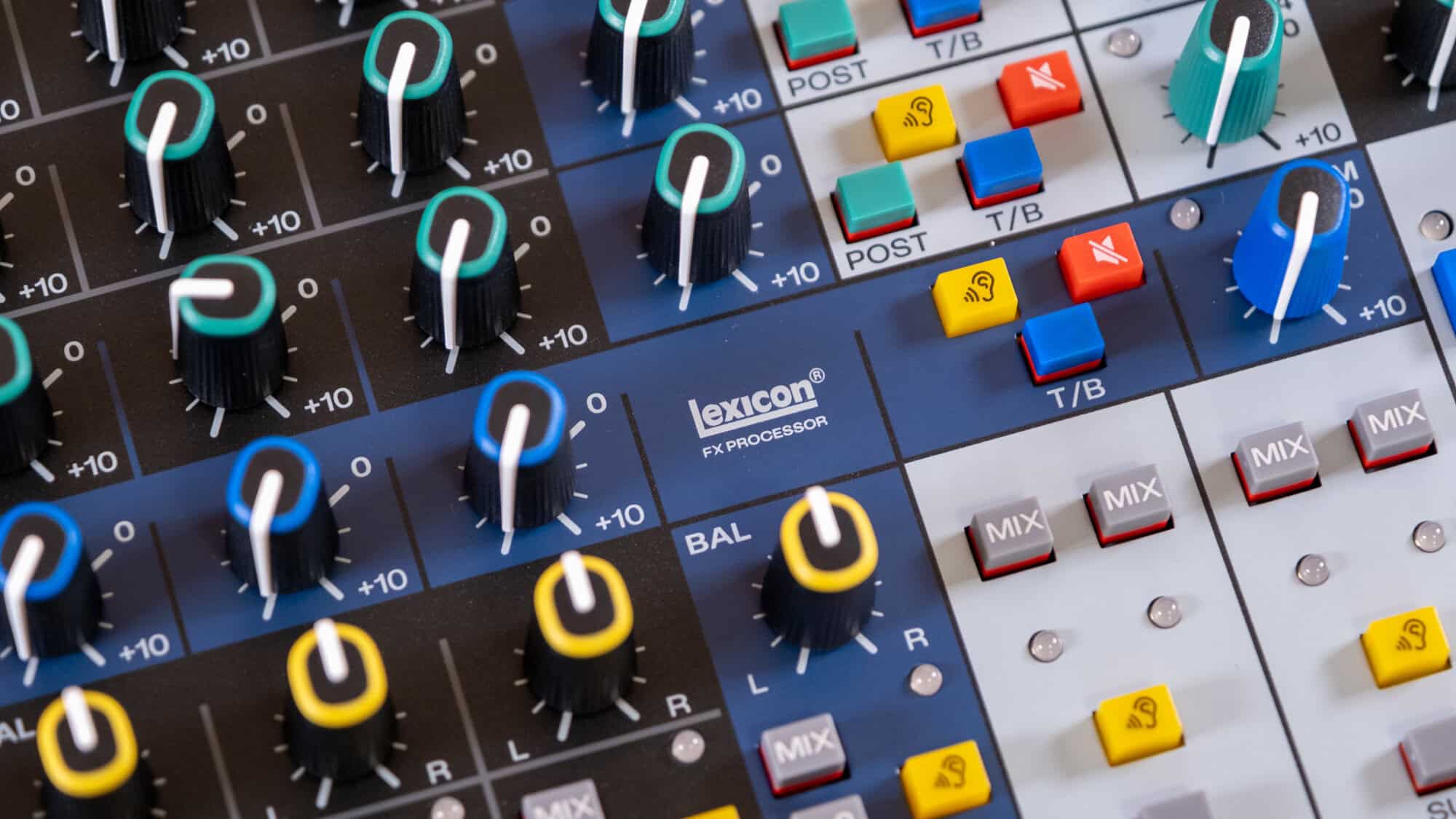
The bigger upgrade is dynamics. Where the old Signature 12 had dbx limiters on just two channels, the Plus gets dbx one-knob compressors on six channels. One-knob compression is a compromise by definition, but it makes sense here as a way to quickly and easily dial things in as needed. I found the compressors to sound quite good, too.
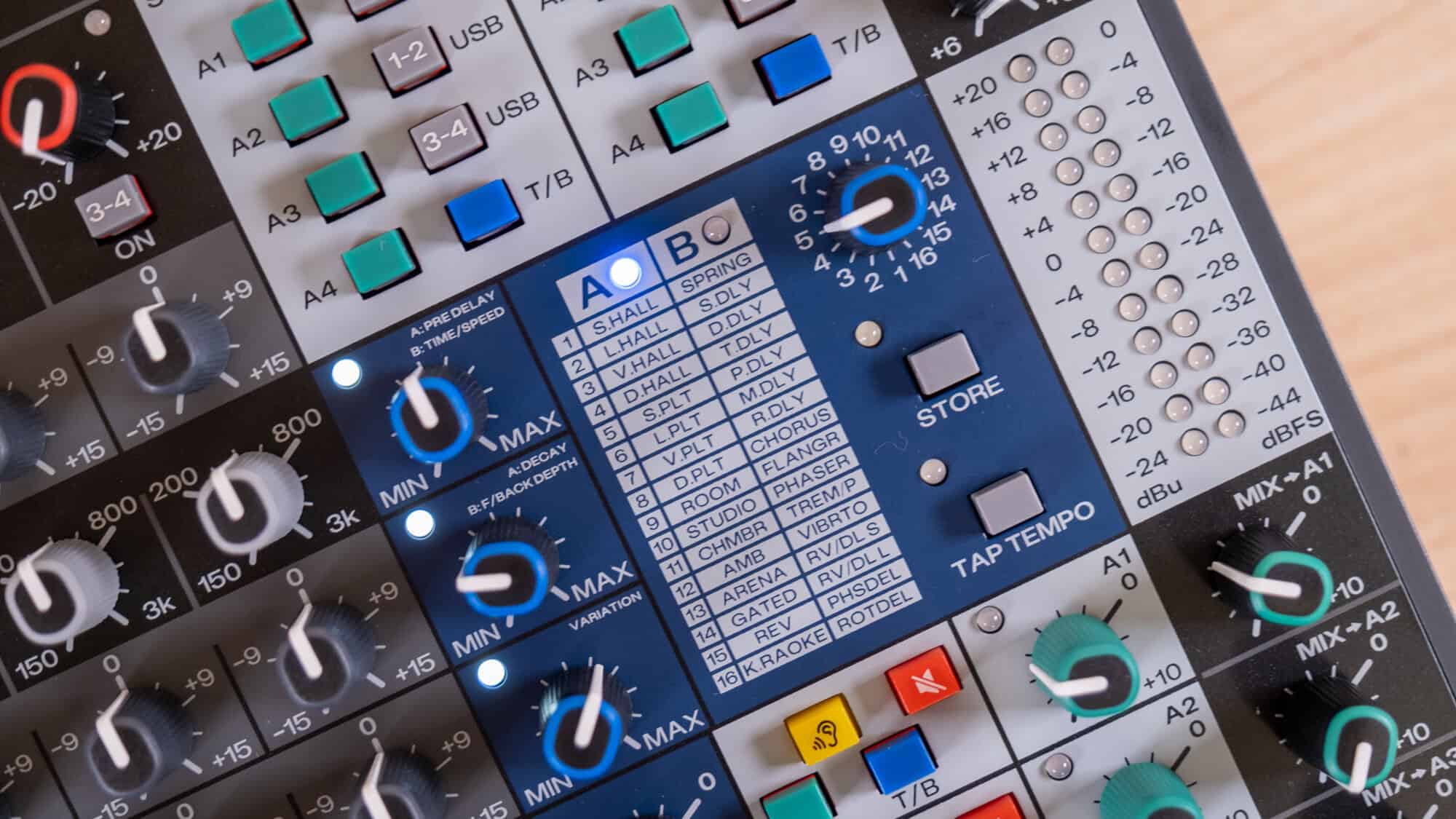
I really liked the Lexicon effects processor more than the others though. For this model, there’s the ability to store presets and a tap tempo feature, plus there’s a pretty good range of built-in options that you can choose from.
Conclusion
The Signature Plus 12 slots into Soundcraft’s lineup as the clear successor to the Signature 12, and it comfortably outclasses the Notepad-12FX for anyone who needs a real console rather than a desktop box. The awkward comparison is the Signature 12 MTK. If multi-track recording is your priority, the MTK’s 14-in/12-out USB interface remains the better tool, and the Plus doesn’t replace it so much as sidestep it.
There are, however, quite a few options at this price point. Once you’re at $800, you’re competing with digital options like the Tascam Model 12 ($600) and Zoom LiveTrak L-12 ($600), both of which offer twelve channels of multitrack recording straight to an SD card, per-channel recording capability, and — in the Zoom’s case — five independent headphone mixes, for several hundred dollars less. Mackie’s Onyx16 squeezes in sixteen channels with 18-track USB at 96kHz for roughly $750. Sure, you don’t get the Soundcraft preamps, Sapphyre EQ, or Lexicon effects — but you do get more channels and more versatile recording options.
That said, it’s still absolutely worth considering — especially if you want those analog touches, like the dbx compressors, Lexicon time-based effects, and Sapphyre EQ.