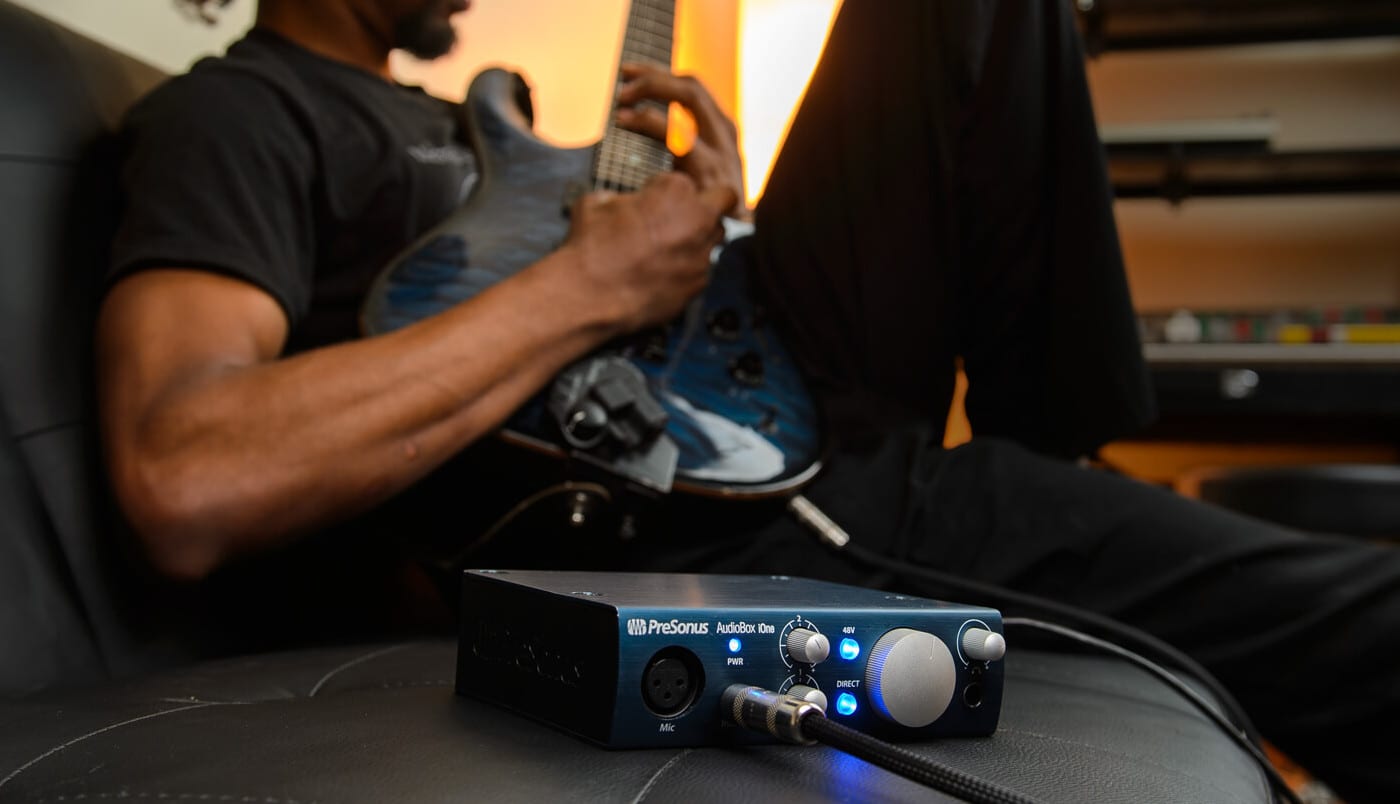
Getting studio-quality recordings has never been easier. Gone are the days when you need to book expensive studio time and use large-format consoles and recording equipment. These days, you can get excellent recording quality with a few hundred dollars and a quiet room.
If you’re looking to get into home recording, however, you might be wondering what you need to buy. That’s why we’ve put together this guide. Here’s a rundown of everything you need to get started in home recording.
Best computer to get started in home recording: MacBook Pro 16-inch
Best computer to get started in home recording
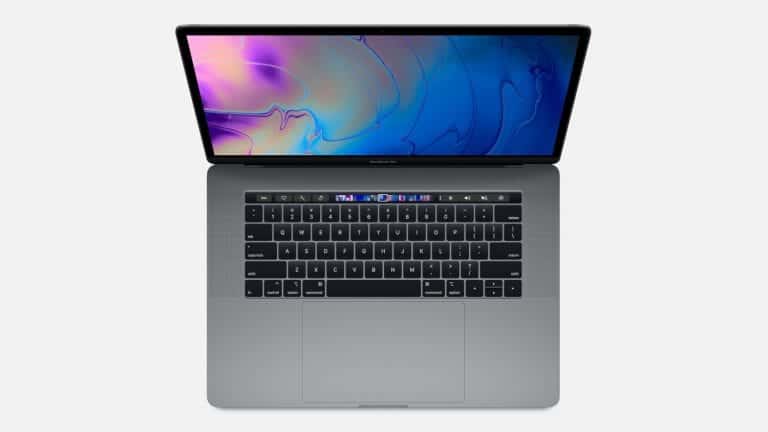
Apple MacBook Pro 16.2″ with M4 Pro
The gold standard Apple computer for home recording.
Pros
- Good amount of screen real estate
- M4 Max processor perfect for audio recording
- Advanced privacy features
- High-definition Retina XDR display
Cons
- Expensive
- Not all DAWs/plugins work for Macs
Buy from
We may earn a commission from these links.
Before you even think about recording equipment, you’ll need to ensure you have a computer that’s ideal for recording.
Whether it’s a laptop or desktop computer, most computers these days can handle basic recording. But if you want to do more complex recording and multi-track mixing, you’ll want something on the more powerful side.
So what should you look for in a computer? Well, if you’re a Mac person, then any of Apple’s models will do the trick. The MacBook Pro, iMac, Mac Mini, and Mac Pro are all obvious choices. Even the new M1 MacBook Air should do the job, as long as you use compatible software.
That’s important to keep in mind though — a lot of software won’t work with Apple’s new ARM chips, so if you buy a computer with one, you may need to stick with Apple’s Logic.
Generally, it’s worth finding a computer with at least a 6th-generation Intel Core i5 processor and 4GB of RAM, though more is definitely welcome.
If you’re buying a new computer for recording, we recommend finding one with at least one USB-C or Thunderbolt 3 port, as more and more audio interfaces connect through a USB-C connection.
Best recording interface to get started in home recording: Focusrite Scarlett 2i2 4th Gen
Best recording interface to get started in home recording
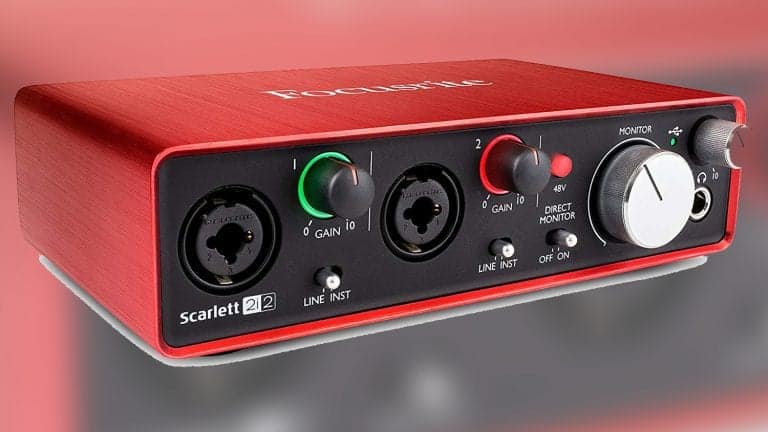
Focusrite Scarlett 2i2 4th Gen
Focusrite rebuilt the 4th generation of their Scarlett series from the ground up. The 2i2 is a great deal
Pros
- Robust update from 3rd Gen
- Great software bundle included
- Dynamic Gain Halos let you see your input and output levels at a glance
Cons
- None unless you need onboard DSP
Buy from
We may earn a commission from these links.
Once you have a computer, the first major step to getting a decent recording setup in your home is buying a decent recording interface. Thankfully, there are dozens of relatively inexpensive recording interfaces out there, and most of them should help you get an excellent audio quality.
So what should you look for in an interface? Well, that depends. If you’re only going to record one or two tracks at any given time, you could probably get by with an interface with two microphone preamps.
To record a band or at least use three or four microphones at a time, you’ll need to buy accordingly.
If you’re buying an interface just to record the songs that you write, then simply figure out the most microphones you’ll use at a time and buy an interface with that number of preamps.
Some are looking to get their start in recording itself — and if that’s you it’s worth buying an interface with at least eight preamps, to allow for more complex setups down the road.
You’ll also want to think about the connection type that the interface uses to communicate with your computer.
Best microphone bundle to get started in home recording: Shure SM57, Stand & Cable Package
Best microphone bundle to get started in home recording
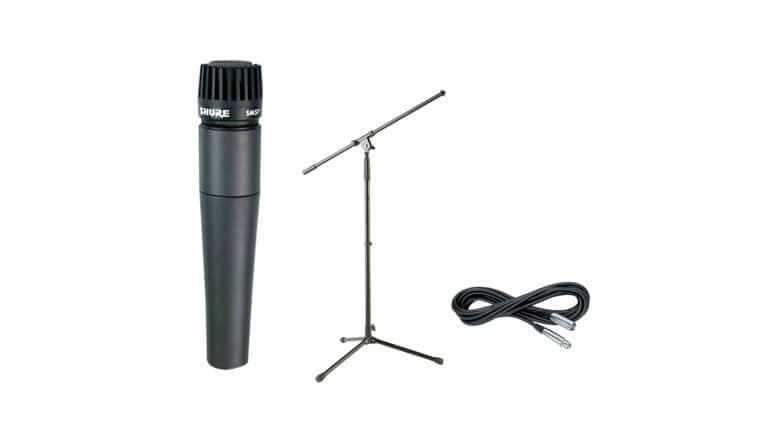
Shure SM57, Stand & Cable Package
A convenient package for one of the most useful microphones of all time.
Pros
- Saves cost on buying each item separately
- Ideal for any live source you need to record
Cons
- Boom mic stand only
- XLR cable could be better quality
Buy from
We may earn a commission from these links.
Decent microphones are also getting cheaper, and while you can still spend thousands on ultra high-end microphones, you don’t need to for a basic setup.
Beyond a good condenser microphone, it’s a good idea to have a decent dynamic microphone too. If you’re a beginner looking to build out a microphone collection, then you should start with the Shure SM57. The SM57 is versatile, built like a tank, and inexpensive — and it’ll work great on snare drums, guitar amps, and so on.
This bundle comes with the SM57, a boom microphone stand, and cable. Everything you need to get up and running right out of the box.
Best large-diaphragm condenser microphone to get started in home recording: AKG P220
Best large-diaphragm condenser microphone to get started in home recording
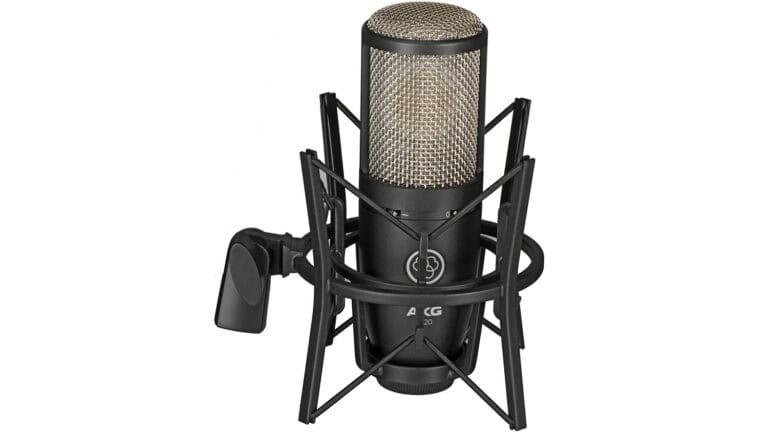
AKG P220
Warm, clear sound cardioid microphone with a full frequency response.
Pros
- Full 20Hz to 20kHz frequency response
- -20dB pad
- High-pass filter at 300Hz
Cons
- Cardioid only
Buy from
We may earn a commission from these links.
If you’re looking for a great budget large-diaphragm condenser to get started in home recording, this is it.
The frequency response is full range 20Hz to 20kHz, it’s got a bass rolloff at 300Hz, and a pre-attenuation pad at -20dB. Great for loud sound sources, it handles a max SPL of 155dB.
It offers a warm, clear sound perfect for almost any source signal from vocals and guitar amps, even drums! You don’t have to be shy about taking it on the road either thanks to the rugged design.
There’s only one polar pattern – cardioid. But most home studios will be using that orientation anyway. We tried the AKG P220 and love it!
Best pop filter to get started in home recording: Proline PPF401
Best pop filter to get started in home recording
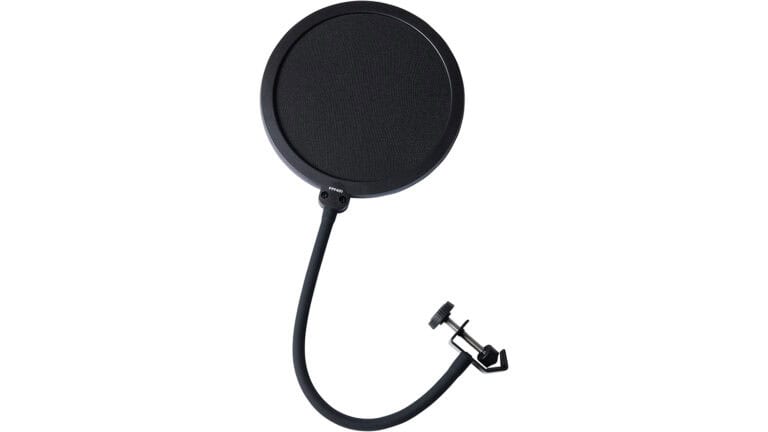
Proline PPF401
A flexible pop filter that produces professional results.
Pros
- Has flexible neck
- Great accessory for the price point
- Dual-sided windscreen
Cons
- No size options
Buy from
We may earn a commission from these links.
If you’re recording vocals, a pop filter is one of the best recording studio accessories. Pop filters essentially ensure that wind noise doesn’t reach the microphone and impact your recording, caused by plosives like “p” and “b” sounds.
The neck is adjustable and holds to the stand securely. It’s inexpensive, but the value it provides definitely isn’t.
Best headphones to get started in home recording: Sony MDR7506
Best headphones to get started in home recording

Sony MDR-7506
One of the most underrated studio headphones.
Pros
- Wide 10Hz – 20kHz frequency response
- Comfortable over-ear coupling
- Foldable for easy transport
Cons
- Closed back. If you want a different back you'll have to invest in another pair
Buy from
We may earn a commission from these links.
There are lots of headphone models out there, but the Sony MDR7506 is far and away one of the best.
A wide 10Hz – 20kHz frequency response gives you a great sonic picture. Closed-back earpads provide good isolation for recording and mixing. They’re flexible and can be folded for taking them around.
The only downside is the closed-back design. Some prefer to use open-back or semi-open back designs for tracking, especially when it comes to vocals. But closed-back headphones reduce bleed, and this is one of the best models under $100.
FAQ
Do I need an expensive computer for music production?
Not necessarily, but your recording computer should have a semi-fast processor (at least Intel i5 or equivalent), minimum 16GB, and a solid-state drive (SSD) for smooth performance. MacBook Pros and custom-built PCs are popular among producers.
Should I get studio monitors or headphones first?
If you have a limited budget or noise restrictions, start with high-quality headphones like the Audio-Technica ATH-M50x or Beyerdynamic DT 770 Pro. Studio monitors like Yamaha HS5/HS8 or KRK Rokits are ideal when working in an acoustically treated space.
Do I need a separate preamp?
If your audio interface has a good built-in preamp (like the Apollo Twin or Audient iD14), you don’t need an external one. However, a high-quality preamp like the Universal Audio Solo/610 or Warm Audio WA12 can add warmth and character.
Not necessarily, but your computer should have a fast processor (at least Intel i5 or equivalent), 16GB of RAM (minimum), and a solid-state drive (SSD) for smooth performance. MacBook Pros and custom-built PCs are popular among producers.